Best AI Tools for Students in 2026
Discover the best AI tools for students in 2026. Explore ChatGPT, Grammarly, Notion AI, Perplexity, Canva AI, and more to boost productivity and academic performance.
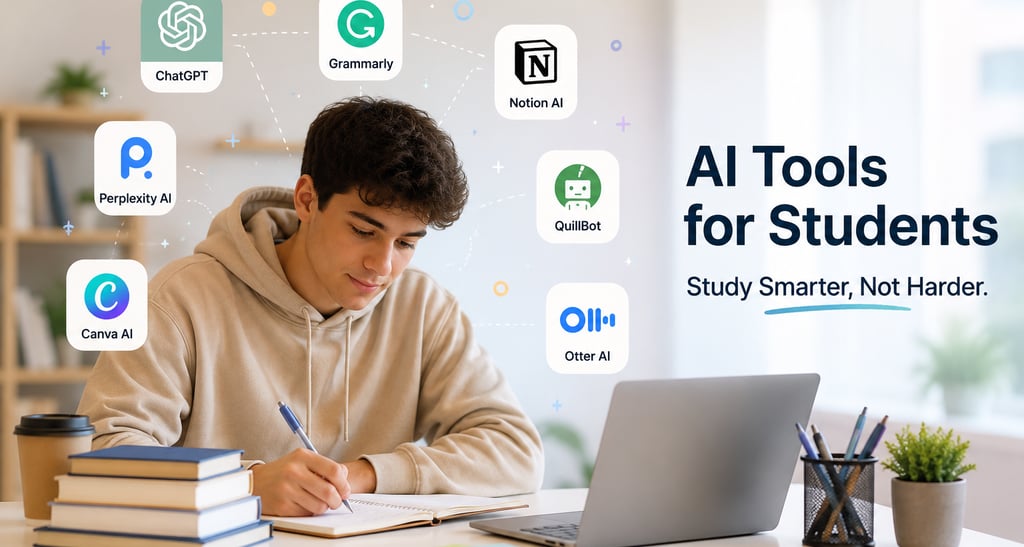
Best Artificial Intelligence (AI) tool for students in 2026:
Artificial Intelligence (AI) is transforming education by helping students learn faster, stay organized, and improve productivity. Whether you're in school, college, or preparing for competitive exams, AI tools can save time and help you achieve better results.
In this article, we'll explore the best AI tools for students in 2026 and how they can make studying easier and more effective.
Why Students Should Use AI Tools
AI tools can help students:
Complete assignments faster
Improve writing and grammar
Create notes and summaries
Conduct research efficiently
Prepare for exams
Manage time and productivity
Instead of spending hours on repetitive tasks, students can focus more on understanding concepts and learning effectively.
1. ChatGPT
Best For:
Homework assistance, explanations, brainstorming, coding, and research.
ChatGPT is one of the most popular AI tools available today. Students can ask questions, get detailed explanations, solve math problems, generate study notes, and even prepare for interviews.
Key Features:
Instant answers
Subject explanations
Essay writing assistance
Coding help
Study planning
Pros:
✔ Easy to use
✔ Supports multiple subjects
✔ Available on mobile and desktop
2. Grammarly
Best For:
Improving writing and grammar.
Grammarly helps students write error-free essays, assignments, emails, and reports. It checks grammar, punctuation, spelling, and sentence structure in real time.
Key Features:
Grammar correction
Tone suggestions
Plagiarism checker
Writing enhancement
Pros:
✔ Improves writing quality
✔ Saves editing time
3. Notion AI
Best For:
Note-taking and organization.
Notion AI helps students organize notes, create study plans, summarize content, and manage projects in one place.
Key Features:
Smart note-taking
Task management
AI summaries
Study planners
Pros:
✔ Excellent organization tool
✔ Great for project work
4. Perplexity AI
Best For:
Research and fact-checking.
Perplexity AI acts like an AI-powered search engine. It provides answers along with sources, making it useful for academic research and assignments.
Key Features:
Source-backed answers
Research assistance
Quick summaries
Pros:
✔ Reliable information
✔ Saves research time
5. QuillBot
Best For:
Paraphrasing and rewriting.
Students can use QuillBot to rewrite content, improve readability, and avoid repetitive writing.
Key Features:
Paraphrasing tool
Grammar checker
Summarizer
Citation generator
Pros:
✔ Improves writing quality
✔ Useful for assignments
6. Canva AI
Best For:
Presentations and projects.
Canva AI helps students create stunning presentations, posters, infographics, and educational content without design skills.
Key Features:
AI-powered designs
Presentation templates
Image generation
Video editing
Pros:
✔ Easy to use
✔ Professional results
7. Otter AI
Best For:
Lecture transcription.
Otter AI automatically records and transcribes lectures, meetings, and discussions, helping students focus on learning rather than taking notes.
Key Features:
Live transcription
Audio recording
Searchable notes
Pros:
✔ Accurate transcription
✔ Saves note-taking time
8. Google Gemini
Best For:
Research and productivity.
Gemini integrates with Google's ecosystem and helps students generate content, answer questions, summarize documents, and conduct research.
Key Features:
Research support
Document summarization
AI assistance
Pros:
✔ Works well with Google tools
✔ User-friendly interface
9. Mathway
Best For:
Mathematics problem solving.
Mathway provides step-by-step solutions for algebra, calculus, statistics, and other mathematical subjects.
Key Features:
Equation solving
Step-by-step explanations
Graphing support
Pros:
✔ Great for math students
✔ Easy to understand
10. ElevenLabs
Best For:
Text-to-speech learning.
Students can convert notes, articles, and study materials into natural-sounding audio and learn while commuting or exercising.
Key Features:
AI voice generation
Text-to-speech conversion
Multiple languages
Pros:
✔ Supports auditory learning
✔ Saves reading time
How to Use AI Responsibly
While AI tools are powerful, students should use them as learning assistants rather than shortcuts.
Best Practices:
Verify information from trusted sources.
Use AI to understand concepts.
Avoid submitting AI-generated work without review.
Follow your institution's academic guidelines.
AI is becoming an essential part of modern education. The right tools can help students save time, improve productivity, and achieve better academic results.
If you're just starting, begin with ChatGPT, Grammarly, Notion AI, and Perplexity AI. Together, these tools can handle most academic tasks and significantly improve your learning experience.
Subscribe
© 2026. All rights reserved.